Talk it through: conversations with Ballad, plus a new Campaigns tab
Get the newsletter
What shipped and what we're learning building Ballad, in your inbox. Unsubscribe any time.
What shipped
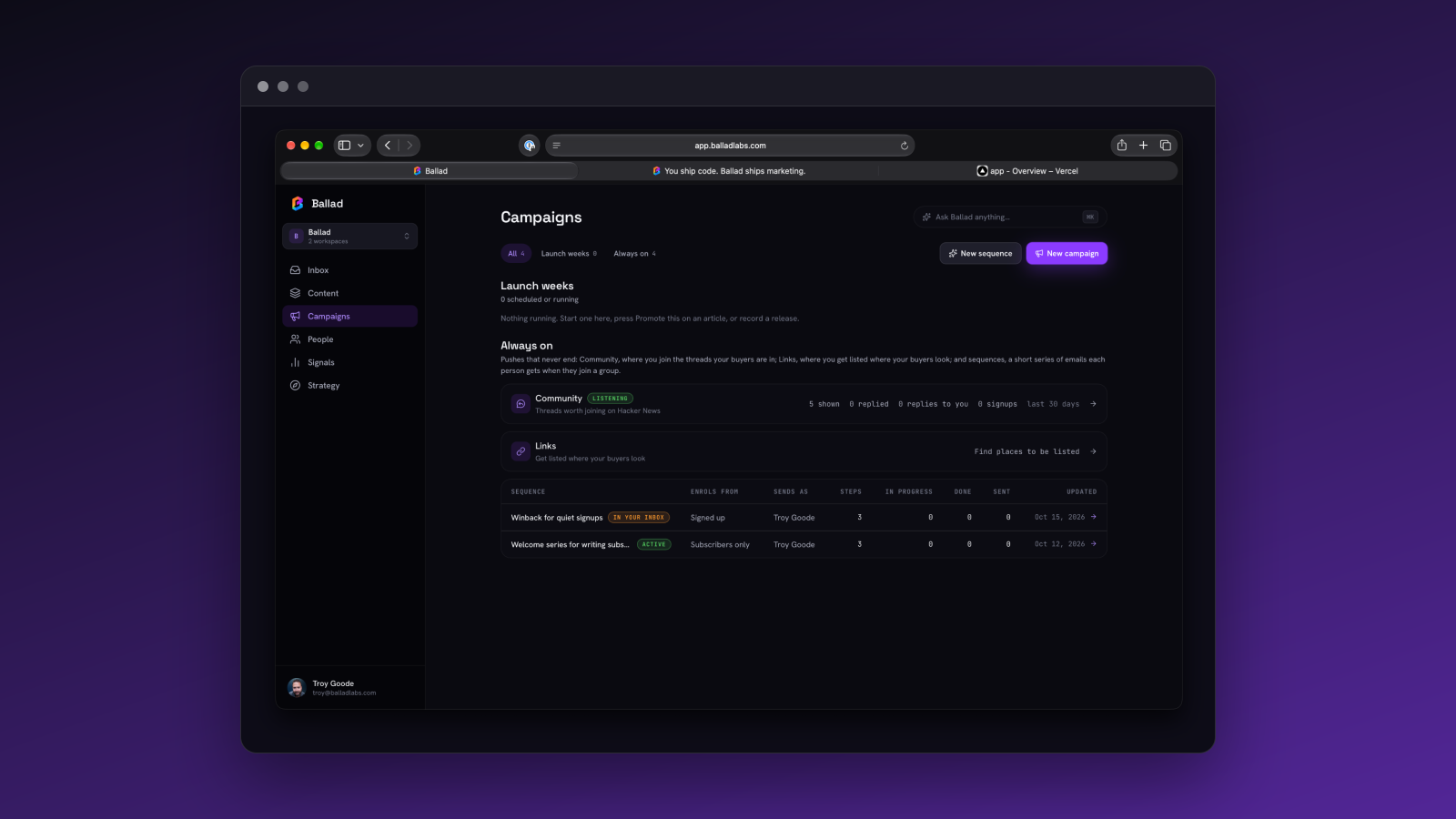
Talking to Ballad is now a saved conversation, in Ask Ballad, in the Inbox and in Slack DMs, and each one ends in a brief card; drafting starts only when you click Draft it. Campaigns also has its own tab. A few things moved or were renamed: Loop is now Strategy, agent setup is under Settings › Agents, and Google sign-in now always shows the account chooser.
Planning content by talking to Ballad
Ask Ballad is now a saved, private conversation. In Create, pick "Talk it through" and plan with Ballad. It ends in a brief card, and drafting starts only when you click Draft it. Questions come back faster and cost less to run because of caching.
In Inbox, with nothing selected, the pane opens as Today: one saved conversation per day. Ballad speaks first with a one-line briefing, and suggested prompts help you pick up from there.
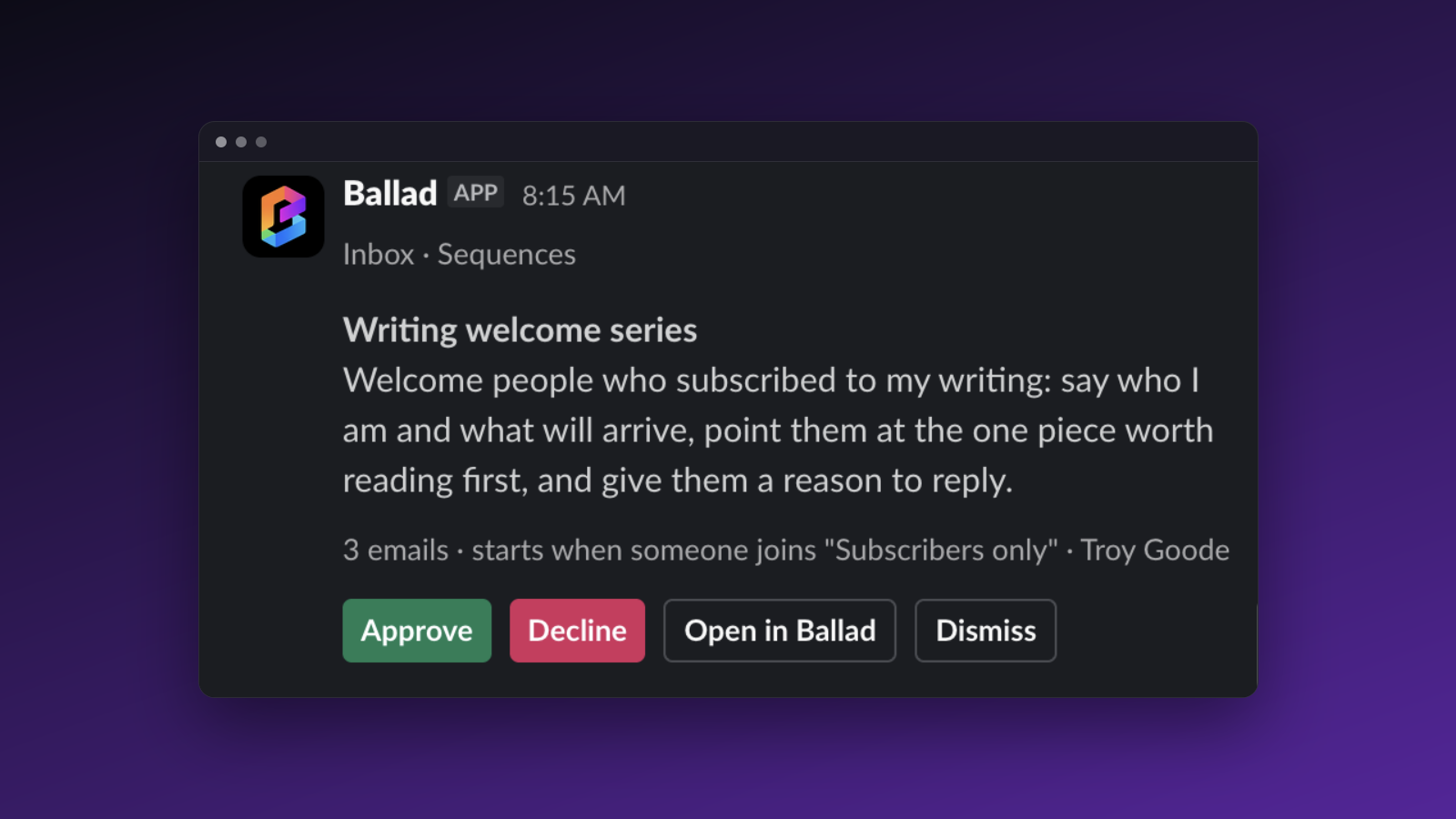
Slack DMs with Ballad are saved conversations too. They carry context through the day, including thread replies under a brief card. Briefs show as cards with Draft it and Save for later buttons, and Inbox items arrive as links.
Campaigns, and what moved
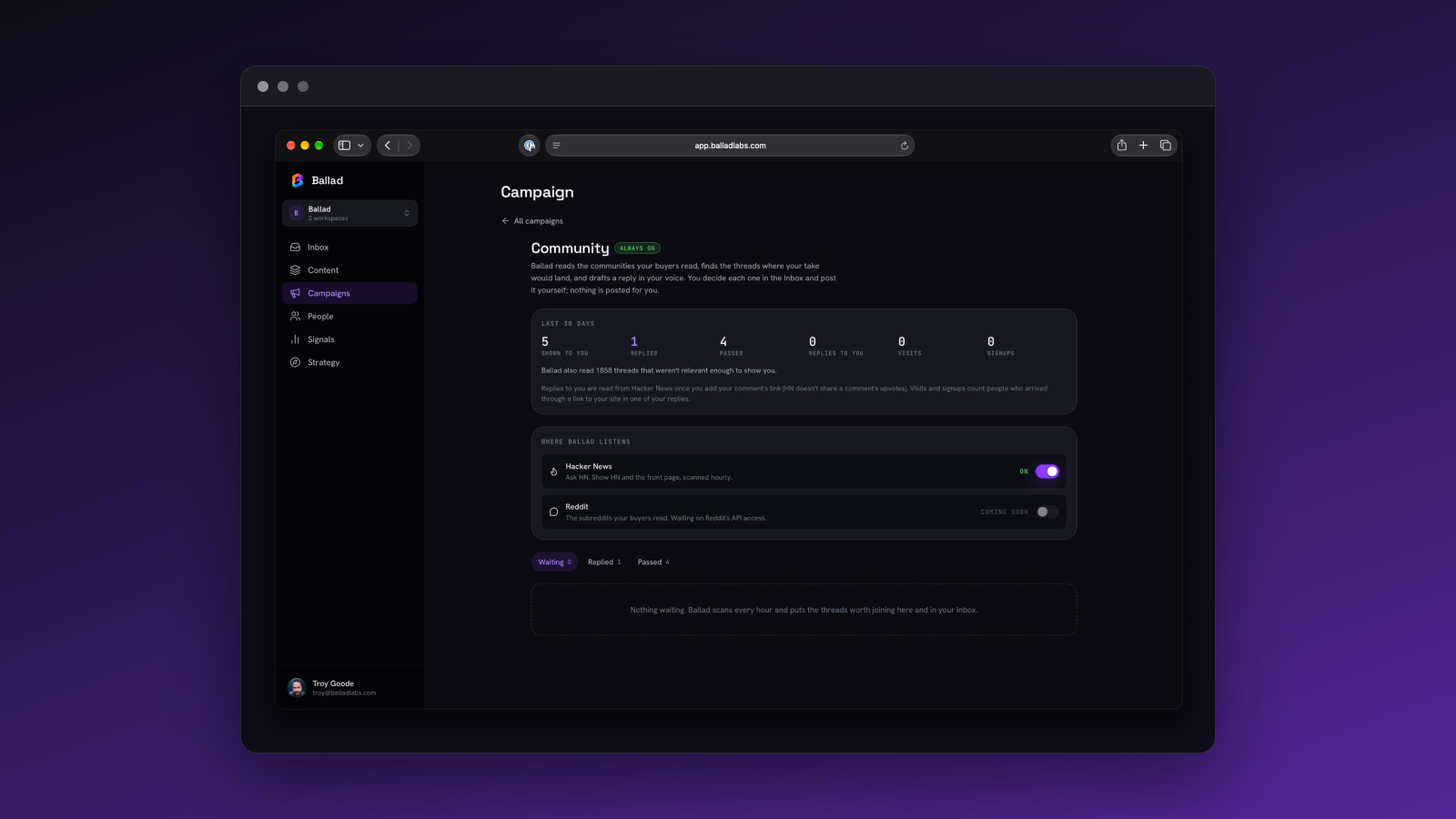
Campaigns is now its own tab, moved out of People. It holds launch weeks and always-on sequences. New campaign lets you start one by describing it. Pieces show which campaign they belong to, and campaign pieces are now scheduled at your local hours instead of UTC.
The website now lives under Content. On phones, a pinned bar shows Inbox, Content, Campaigns, Signals and More.
Loop is now called Strategy. It still holds positioning, plan, beliefs, market and products, and old /loop links redirect to the new pages.
Connecting agents now lives under Settings › Agents, and old links redirect there. The setup checklist starts with connecting an agent and ends with inviting a teammate. Ballad points you to that page when you ask about Claude, ChatGPT, Cursor or MCP.
Google sign-in now always shows the account chooser. Onboarding shows which account you're signed in as, with a Not you? Sign out link on every step.