Landing pages on your own site
Get the newsletter
What shipped and what we're learning building Ballad, in your inbox. Unsubscribe any time.
What shipped
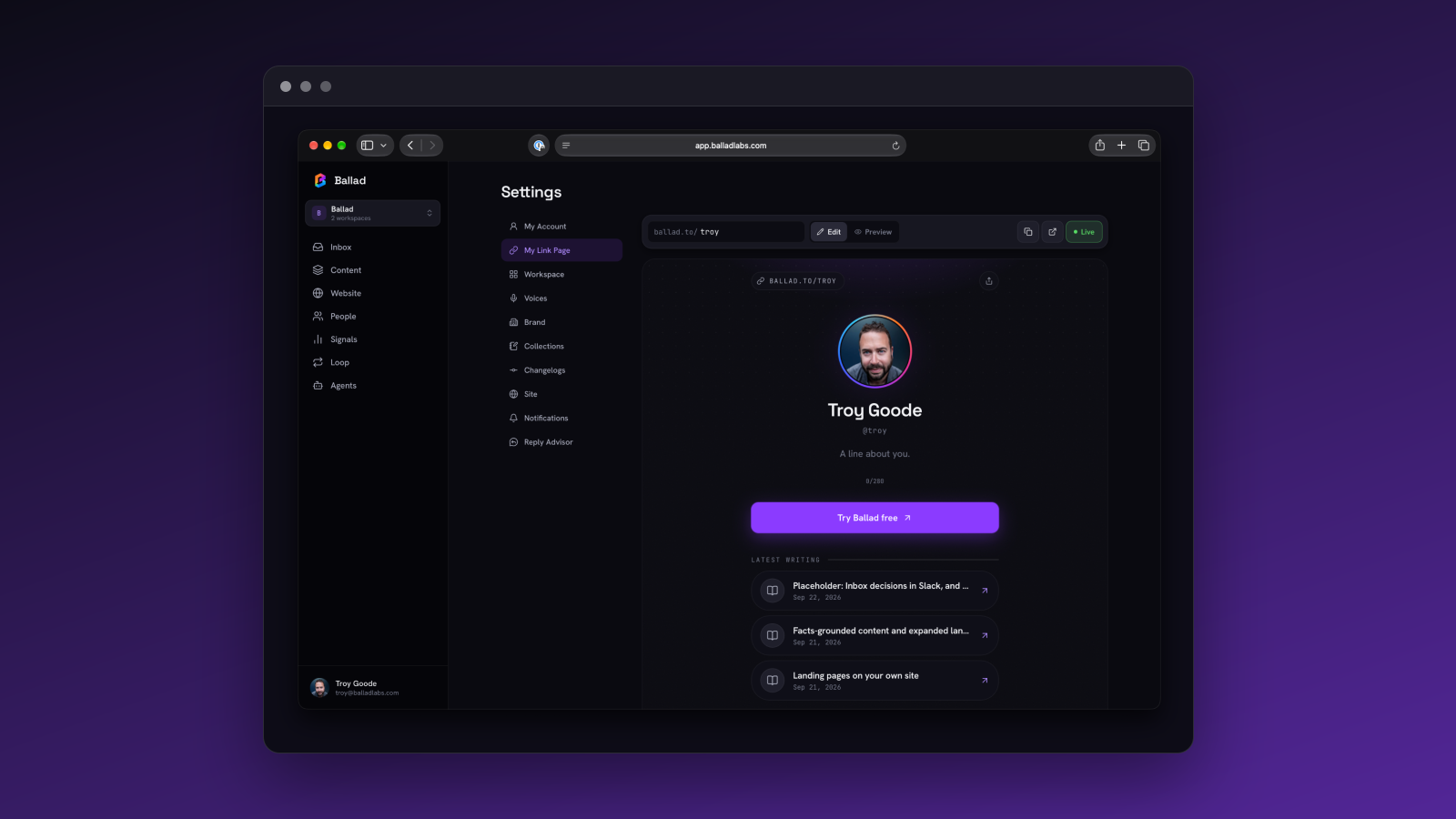
Ballad can now draft and publish full landing pages on your own site, through the Content API and @balladlabs/next — not just blog posts and social content. If you're already rendering headless articles this way, this is the same setup, extended to landing pages.
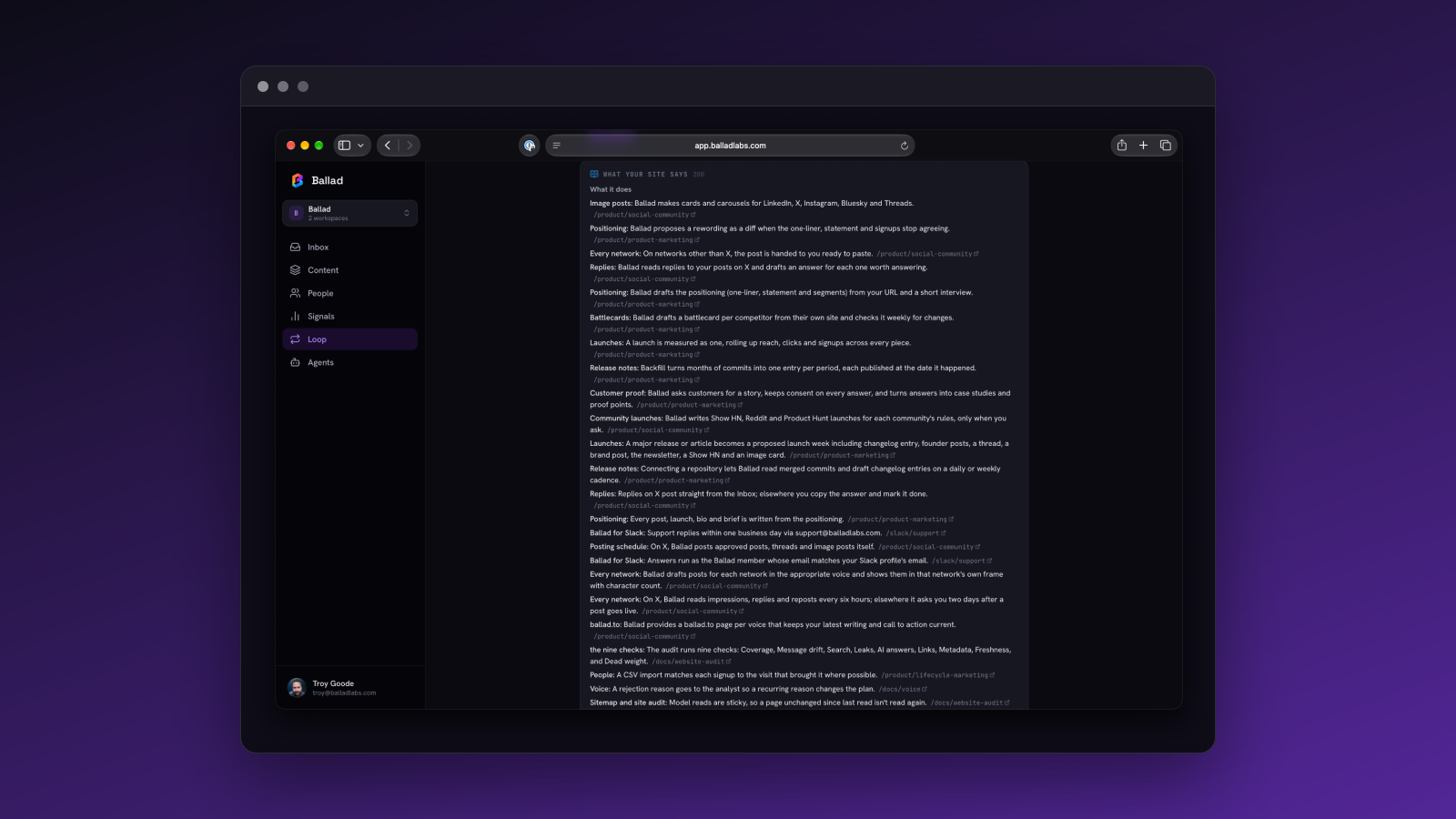
The pages behave like the rest of your content: they stay in sync with the facts they cite, they carry proper SEO metadata, and they're included in your sitemap. Nothing extra to configure if the Content API is already wired up.
When Ballad needs a screenshot
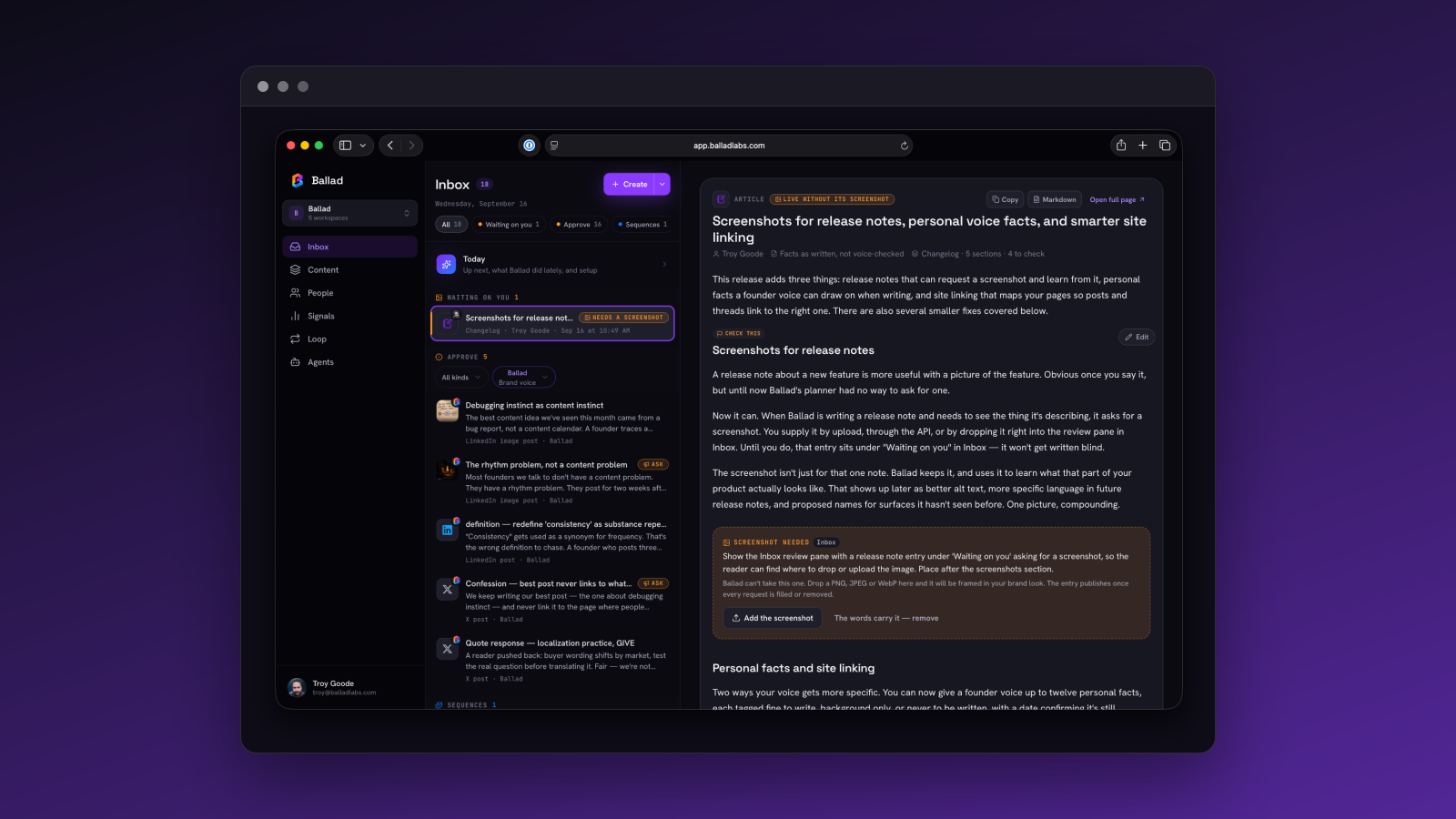
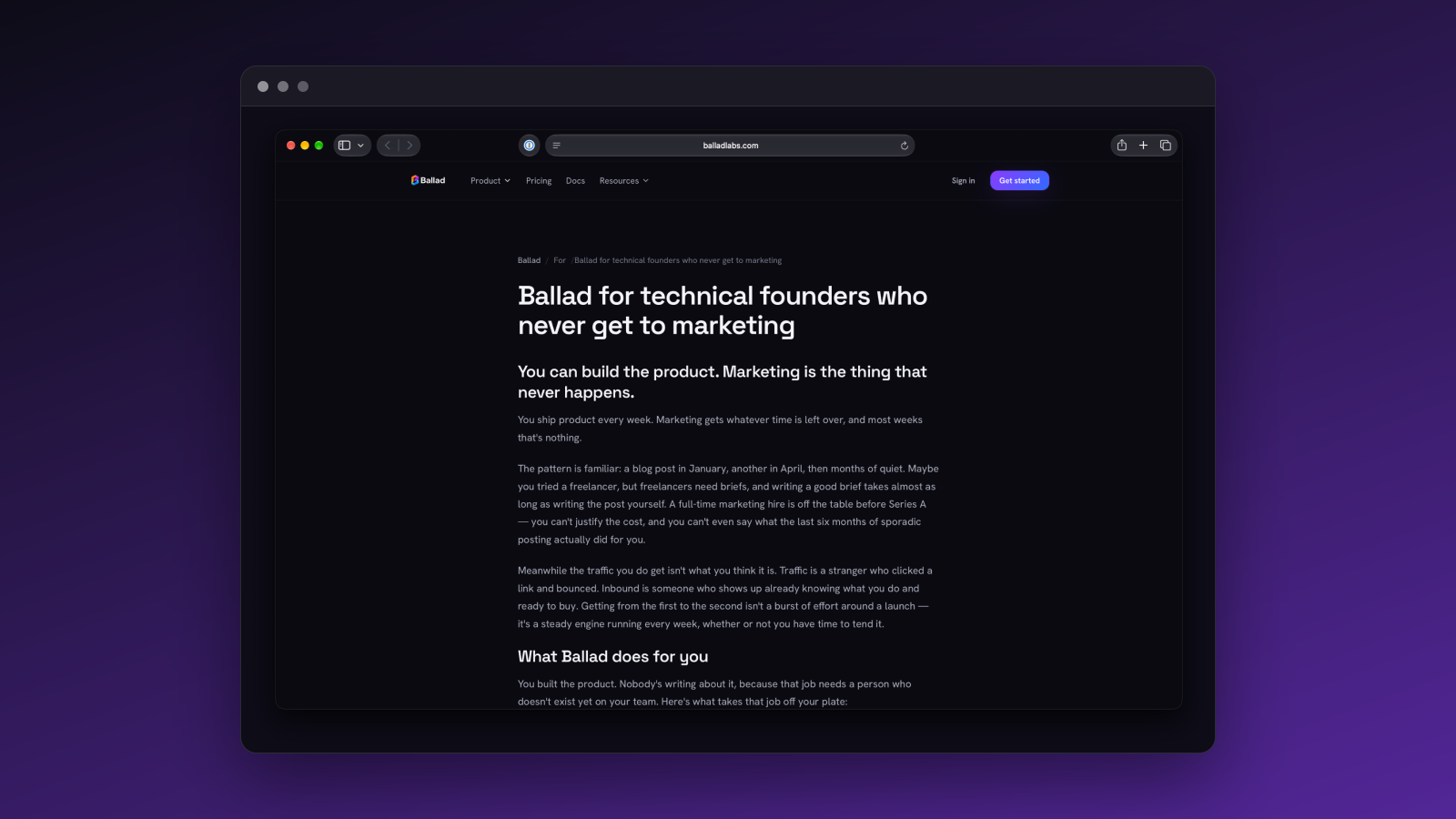
Landing pages now often need something a search of your docs won't produce: a picture of the actual product. So when Ballad hits that wall — on a landing page, a comparison or guide article, a newsletter issue, or a sequence step — it stops and asks you for the screenshot directly, instead of guessing or shipping without one.
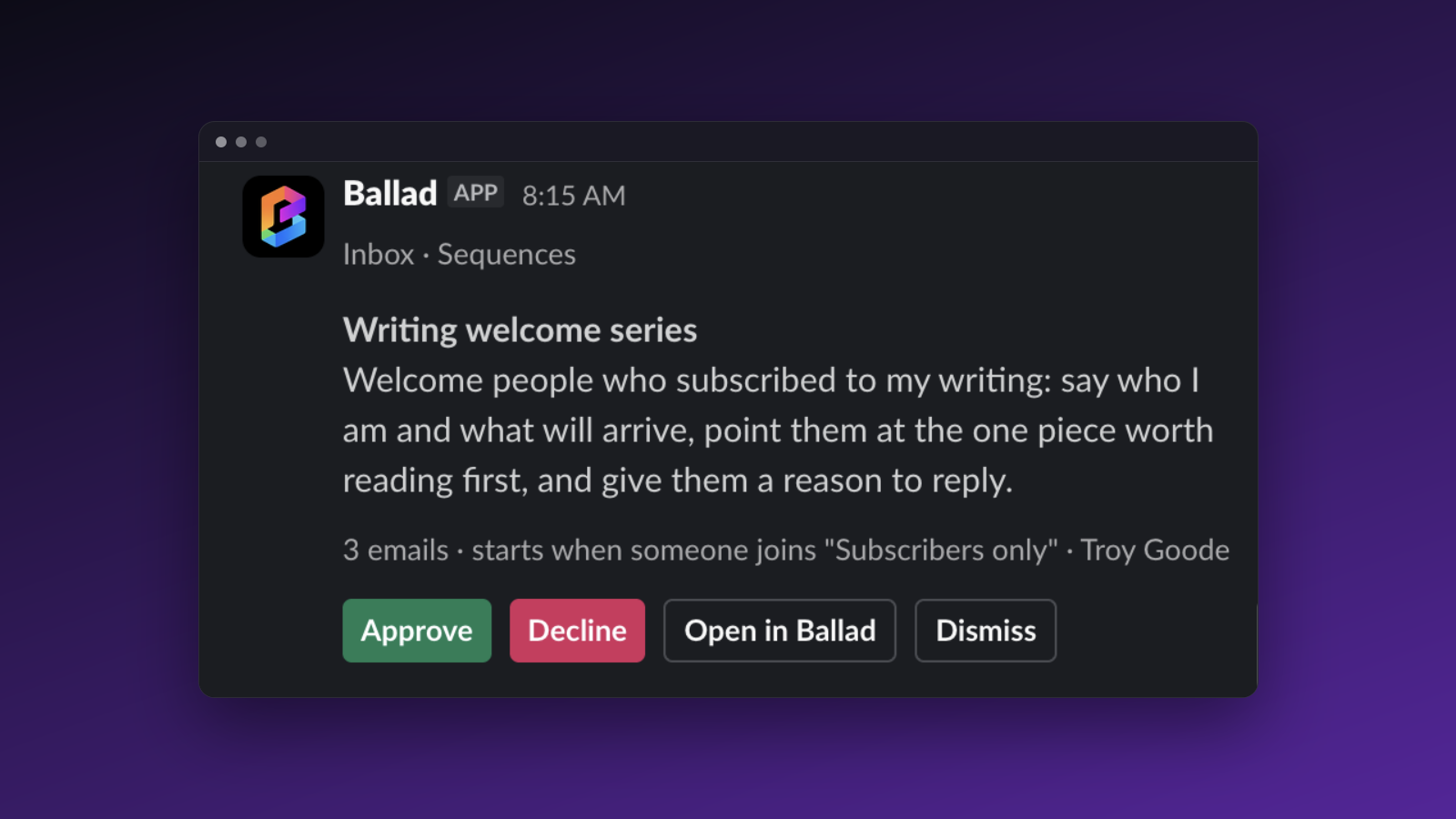
That request lands in the Inbox under Waiting on you. Nothing downstream moves until you upload the image there. A newsletter issue won't send. A sequence won't activate. This is a hold, not a warning — the content is finished except for that one asset, and it stays that way until you supply it.