My Link Page, smarter sequences, and easier screenshot swaps
Get the newsletter
What shipped and what we're learning building Ballad, in your inbox. Unsubscribe any time.
What shipped
Three things shipped together this week: My Link Page, smarter lifecycle sequences, and easier screenshot swaps.
My Link Page moves management of your ballad.to page into Settings, under what's now called My Account, so you can edit your handle, bio, call to action, live status, and listed profiles without going through voice settings. Lifecycle sequences got a fix for a real overlap problem — built-in onboarding sequences now take priority over welcome sequences, so people don't get both in the same week. And when you're reviewing content in the Inbox, a filled screenshot block now lets you swap in a new file, pick a different one from your library, or remove it — no need to restart the review.
My Link Page
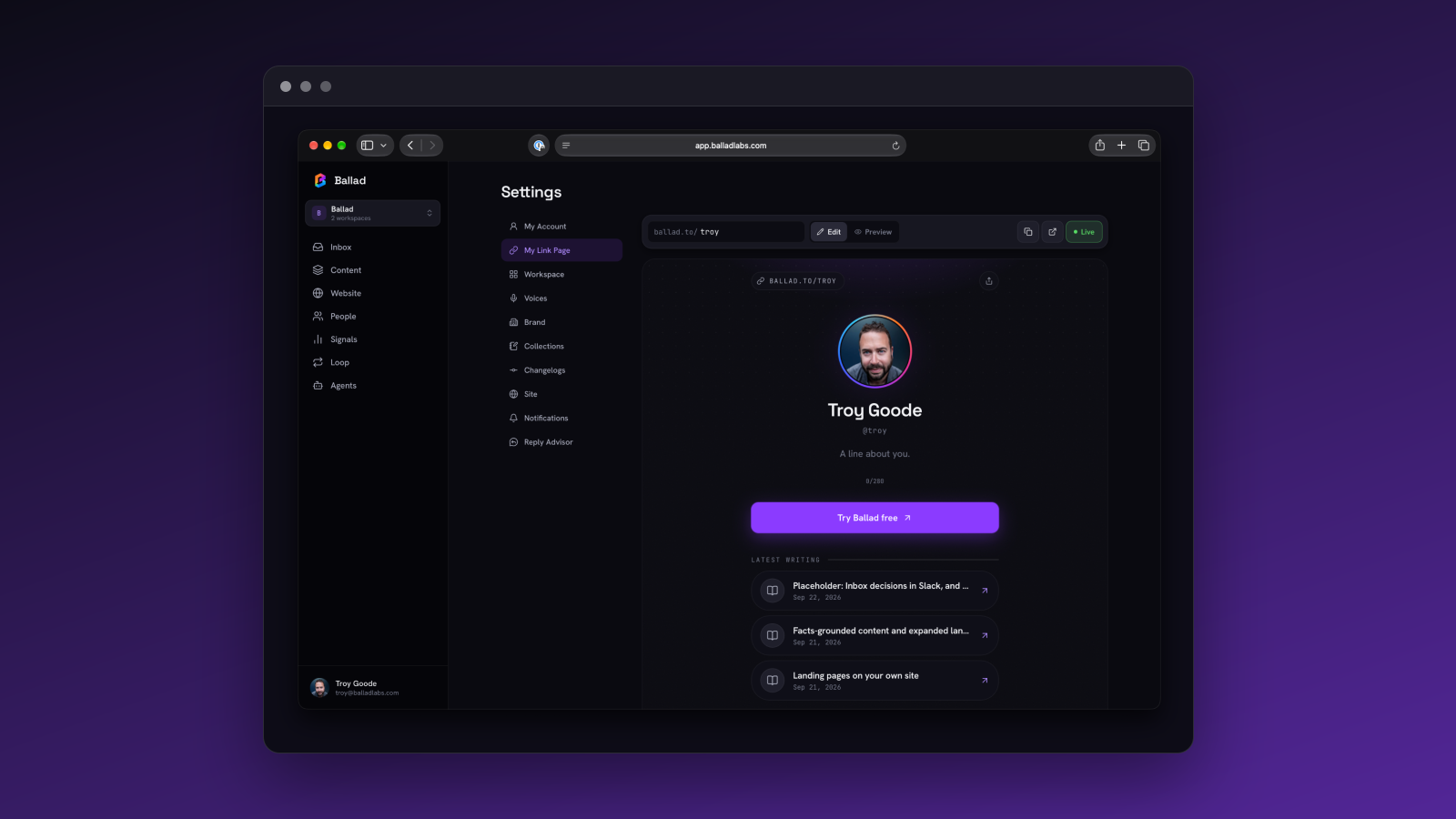
Account settings is now My Account. Inside it, a new My Link Page section pulls your ballad.to handle, bio, call to action, live status, and listed profiles into one place — this used to live under voice settings, split away from everything else about your voice.
The bigger change is how you edit it: as it will actually look, not as a form. A sticky toolbar handles claiming or editing your handle, previewing changes, copying or opening the link, and going live. Links reorder by drag. The button and each individual link open in a simple dialog to edit.
Smarter sequences and screenshot swaps in review
Two changes here, both about reducing noise.
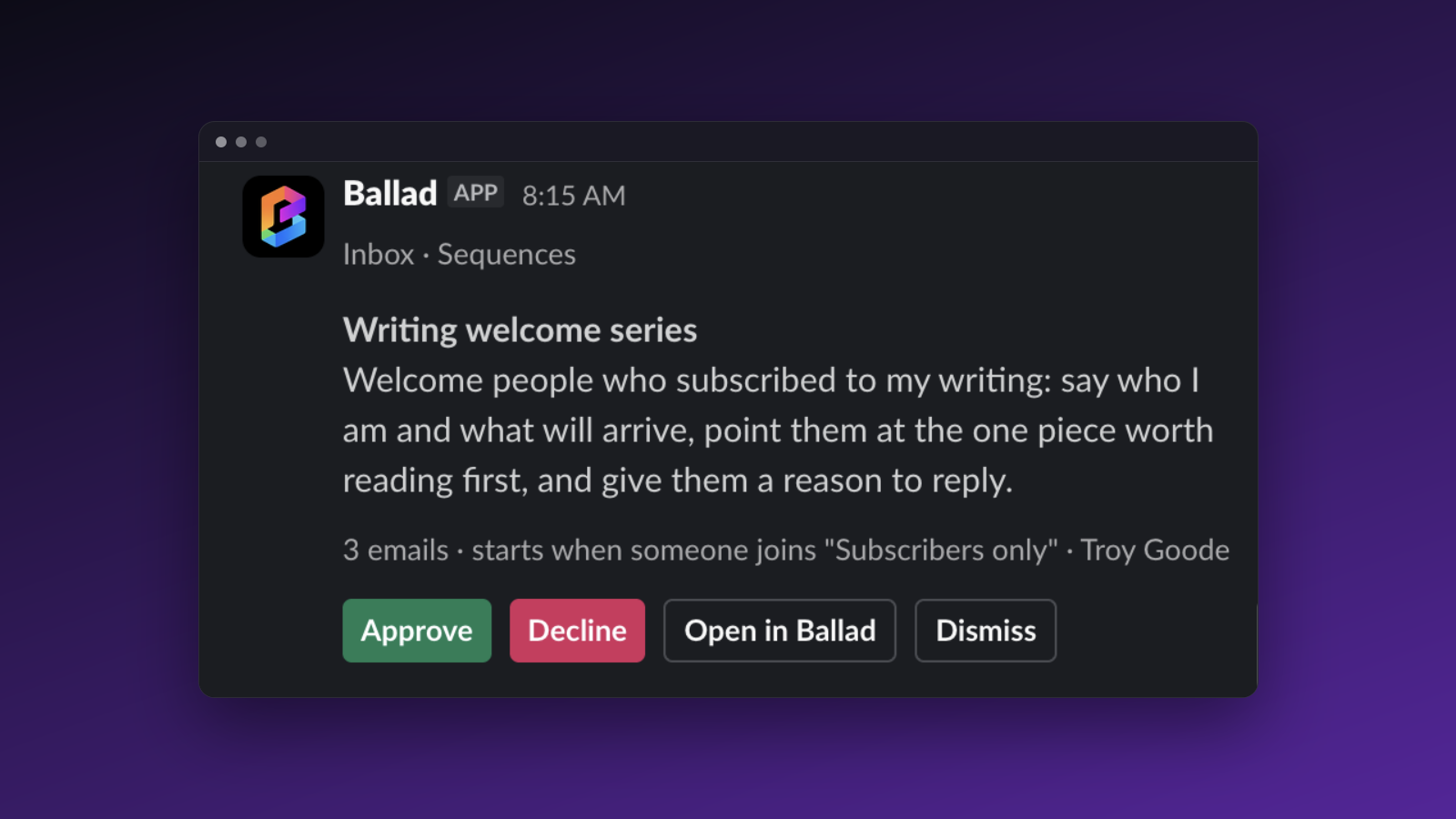
Onboarding sequences now take priority over welcome sequences. If someone enters an onboarding series while a welcome sequence is still running for them, the welcome sequence stops — so they don't get both in the same week. This only kicks in for built-in templates; a custom sequence you've built is never interrupted. Agents can still edit a single email within a running sequence in place, so a fix doesn't mean restarting the whole thing.
Second: reviewing an article, newsletter issue, or sequence email, a filled screenshot block now shows what it was asked for. From there you can replace it with a new file, pick a different one from your library, or remove it entirely — the content updates immediately.
Also in this release
Reply Advisor now has a per-community switch in Settings. Hacker News is on by default; Reddit is shown as coming soon. Turn a source off and the hourly scan for it stops and its threads disappear from the Inbox — but threads it already found stay put.
Website settings and Content are now split. Site map, audit, and landing page tools have their own Website section. Content gets a left-hand rail for switching between Calendar, Voices, and Collections, with the calendar as the default view. Old links to either area still work — they just redirect to the new locations.